
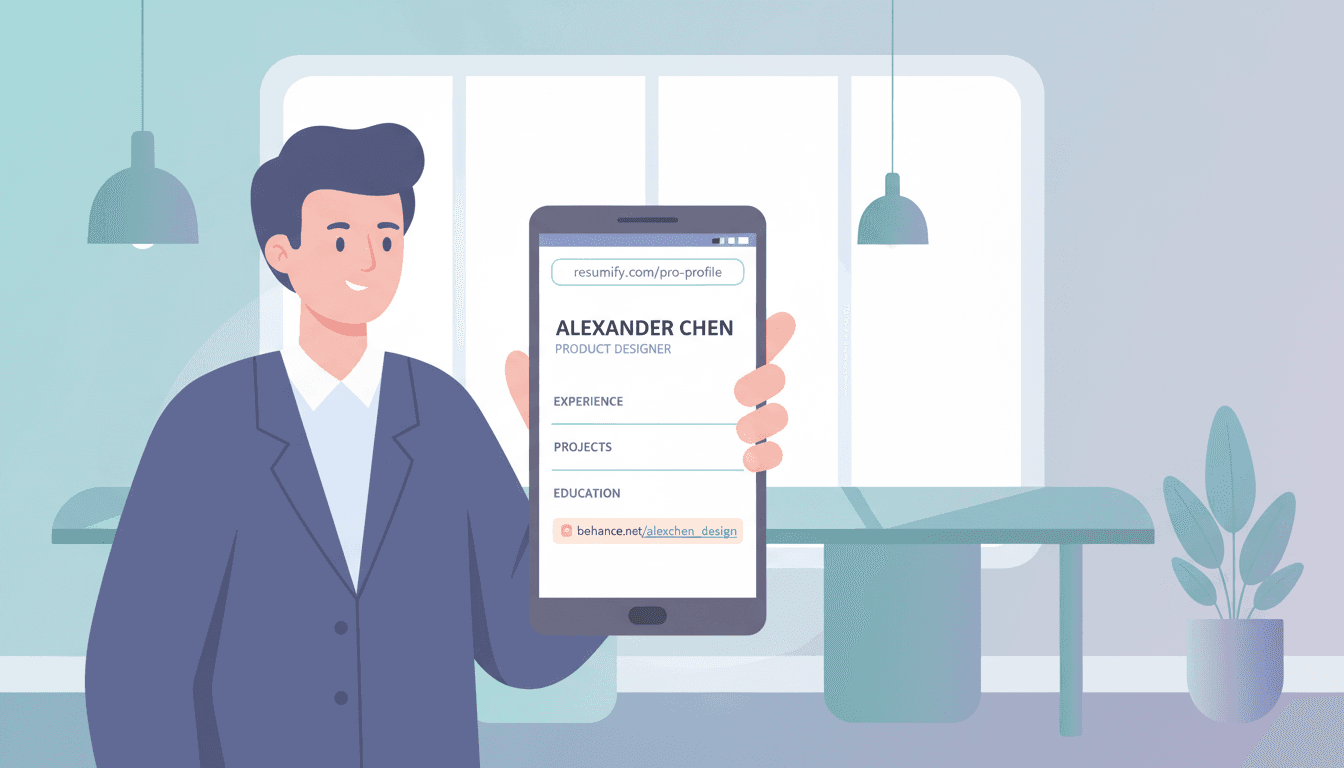
How to Share Your Resume on Your Own Domain
The job market in 2026 is brutal. Companies receive hundreds of applications for a single role. Recruiters spend an average of 7.4 seconds on a resume before deciding whether to move forward. In this environment, the difference between getting noticed and getting lost is often not what your resume says -it is how you deliver it.
Most job seekers still attach a PDF to an email and hope for the best. That approach worked in 2015. It does not work when you are competing against candidates who treat their job search like a product launch.
The problem with PDF attachments
When you send a resume as an email attachment, you lose control of it the moment you hit send. You have no idea what happens next:
- Did the recruiter open it?
- Did they forward it to the hiring manager?
- Did it get buried in a folder with 200 other PDFs named
resume_final_v3.pdf? - Did the email client strip the attachment entirely?
You are flying blind. And worse -every recruiter sees the same delivery format from every candidate. There is nothing memorable about yet another PDF sitting in a downloads folder.
Why a branded resume link changes the game
Imagine instead of attaching a file, you include a link like jane-doe.hirohost.site in your email or LinkedIn message. The recruiter clicks it and sees your resume rendered cleanly in their browser -no download required, no app to install, no friction.
That alone is a better experience. But the real advantage goes deeper:
You know when they open it. Built-in analytics tell you exactly when your resume was viewed, how many times, and from where. No more guessing whether your application was even seen.
You can update it without re-sending. Noticed a typo after you sent the link? Changed your job title? Just replace the file. The link stays the same. Every recruiter who already has it will see the updated version.
It looks intentional. A branded link signals that you care about the details. Recruiters notice this. It is the same reason a clean portfolio site beats a Behance profile -it shows ownership and professionalism.
You control access. Add a password so only intended recipients can view your resume. Share the password separately. This is especially useful when you are job hunting while still employed and want to limit who sees your resume.
How it works with HIRO host
HIRO host turns any file into a branded, trackable share page. Here is the process for a resume:
- Upload your resume PDF (or DOCX, image, any format)
- Choose a branded link like
jane-doe.hirohost.site - Share the link in emails, LinkedIn messages, job applications, or your email signature
That is it. Your resume is now live at a URL you control.
Upload your resume and get a branded link
Drop your resume file, pick a subdomain, and get a professional share link in under a minute. Free to start.
Drop your resume here or click to browse
PDF, DOCX, or any file format
What you can do once your resume is live
Once your resume has a dedicated link, several options open up that were not possible with a plain PDF attachment.
Track who viewed it
Every resume link comes with built-in analytics. You can see:
- Total page views -how many times your resume was opened
- Unique visitors -how many different people viewed it
- Referrer sources -whether they came from LinkedIn, email, or a direct link
- Timeline -exactly when each view happened
This changes how you follow up. If analytics show a recruiter opened your resume on Tuesday, you know Wednesday is the right time to send a follow-up message -not a week later when they have already forgotten.
Password-protect sensitive resumes
If you are currently employed and applying elsewhere, the last thing you want is your current employer finding your resume floating around online. Add a password gate so only people with the password can view it. Share the password separately in a direct message.
Collect emails before access
This one is more relevant for freelancers and consultants than traditional job seekers. If you share your resume or CV as a way to attract inbound interest, you can gate it behind an email capture form. Anyone who wants to view your resume enters their email first -giving you a lead to follow up with.
Connect a custom domain
On paid plans, you can connect your own domain. Instead of jane-doe.hirohost.site, your resume lives at resume.janedoe.com. This is the same resume, the same analytics, the same password protection -just on your own domain.
Where to use your resume link
Once you have a branded resume URL, use it everywhere:
- Job application forms -paste the link instead of uploading a file (or in addition to it)
- LinkedIn messages -include the link when reaching out to recruiters or hiring managers
- Email signature -add a subtle "View my resume" link in your signature
- Business cards -print the link or generate a QR code
- Career fair conversations -share the URL or QR code on the spot, no paper resume needed
- Portfolio site -link to your resume from your portfolio as a dedicated page
The point is: one link, used everywhere, always up to date, always trackable.
How this actually helps you get hired
Let's be specific about the advantage. Here is a realistic scenario:
You apply to a Senior Product Designer role. You send a tailored email to the hiring manager with your resume link. Two days later, your analytics show the link was viewed three times -once on Monday, twice on Wednesday. The Wednesday views came from a different referrer, suggesting it was forwarded.
Now you know three things:
- Your application was received and opened
- Someone else at the company looked at it (probably the team lead)
- Wednesday afternoon is a good time to send a short follow-up
Compare that to the candidate who emailed a PDF attachment and has been anxiously refreshing their inbox for a week with zero information.
This is not a minor edge. In a competitive market, knowing whether your resume was seen -and by whom -is the difference between strategic follow-ups and shots in the dark.
Share your resume on a professional link
Upload your resume, choose your link, and start tracking views. Takes about 60 seconds. Free plan available.
Drop your resume here or click to browse
PDF, DOCX, or any file format
FAQ
Is it free?
HIRO host has a free plan that includes one project -enough for a single resume link with view tracking. Paid plans add custom domains, password protection, email capture, and the ability to manage multiple resume versions.
What file formats are supported?
PDF, DOCX, images, and many other formats. PDFs are displayed in an inline viewer so recruiters read your resume directly in the browser without downloading anything.
Can I update my resume without changing the link?
Yes. Replace the file and the same URL serves the updated version. Every link you have already shared will show the latest resume automatically.
Can I create different links for different job types?
Yes. Create a separate project for each version -one for product roles, one for engineering, one for consulting. Each gets its own branded link and independent analytics.
Will recruiters think it is weird to get a link instead of a PDF?
No. Recruiters click links constantly -LinkedIn profiles, portfolio sites, GitHub repos. A clean branded link that opens your resume instantly is a better experience than downloading a file. If anything, it shows you are resourceful and detail-oriented.
Related articles

How to Share a Figma File on Your Own Domain (2026 Guide)
Stop sending raw Figma links to clients. Learn how to publish your designs on a branded domain with password protection, email capture, and view analytics — in under two minutes.
How to Password Protect a Shared PDF — 3 Approaches Compared
Need to share a PDF but restrict who can open it? Compare PDF encryption, cloud permissions, and link-based password protection to find the right method.