
Introducing Hiro.host: The Fastest Way to Share Files Online
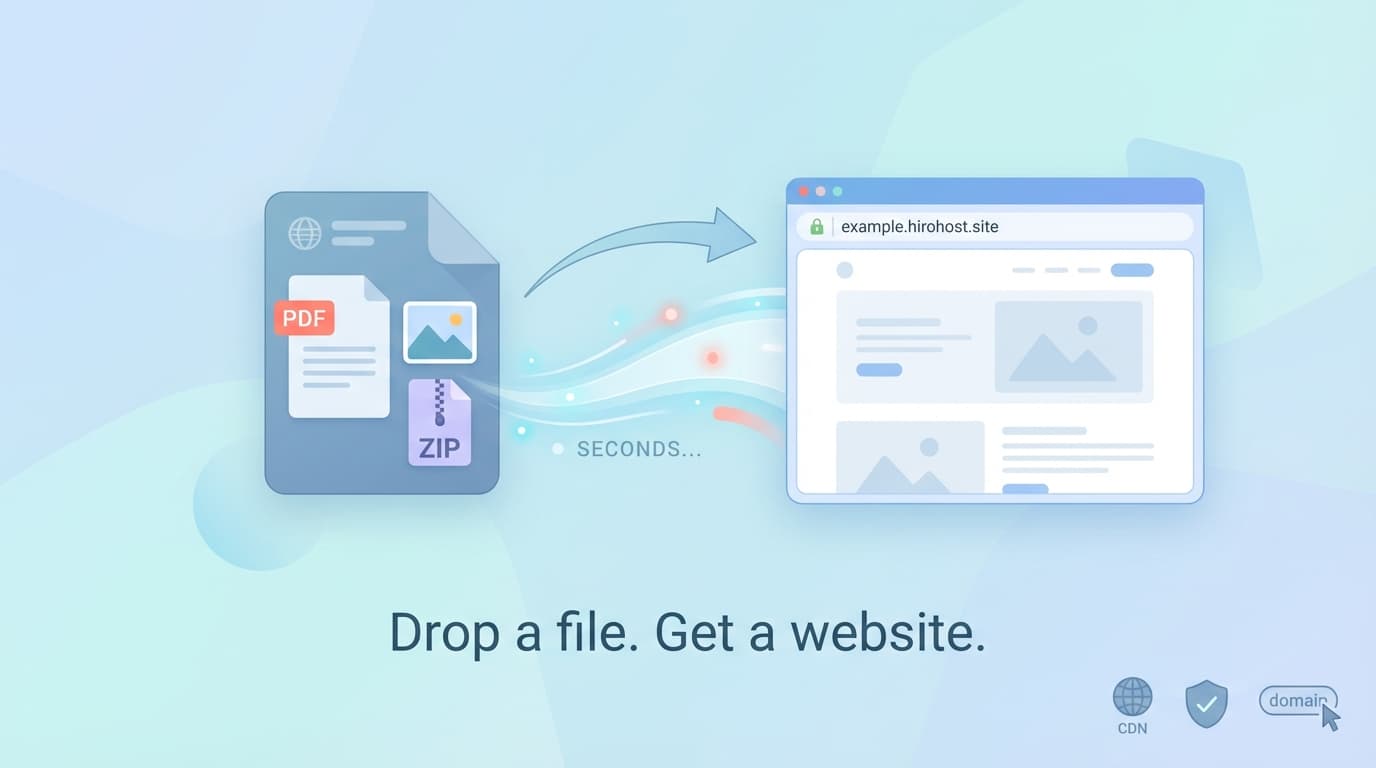
We're excited to announce the launch of Hiro.host - a simple, fast way to turn any file into a shareable website in seconds.
No complicated setup. No hosting configuration. No technical knowledge required. Just drop a file and get a live link.
The Problem We're Solving
Sharing files online shouldn't be complicated. Yet somehow, in 2026, it still is.
Want to share a PDF with a client? You could email it and hope it doesn't get buried. Upload it to Google Drive and fiddle with sharing permissions. Or use a file transfer service that expires links after a few days.
Want to publish a simple static website? You could spend hours configuring hosting, setting up DNS, and wrestling with SSL certificates. Or pay for services designed for complex web applications when all you need is to host a few HTML files.
There had to be a better way. That's why we built Hiro.host.
How Hiro.host Works
Getting started takes less than 30 seconds:
- Drop your file - Upload a PDF, image, or ZIP containing your static site
- Choose your address - Pick a free subdomain or connect your own domain
- Share your link - Your content is live and ready to share
That's it. No server configuration. No deployment pipelines. No waiting.
Key Features
Instant File Hosting
Upload any file and get a beautiful, shareable page instantly. We support:
- PDF documents - Displayed in a clean, embedded viewer
- Images - JPG, PNG, GIF, SVG, and more
- Static websites - Upload a ZIP file with your HTML, CSS, and JavaScript
Free Subdomains
Every project gets a free subdomain on hirohost.site. Choose something memorable like my-portfolio.hirohost.site or client-proposal.hirohost.site.
Custom Domain Support
Connect your own domain for a professional touch. We handle SSL certificates automatically - no manual configuration required. Just point your DNS to our servers and you're live.
Password Protection
Keep your content private with optional password protection. Perfect for:
- Client deliverables and proposals
- Internal documentation
- Private portfolios
- Confidential reports
Lightning-Fast Global CDN
Your files are served from a global content delivery network, ensuring fast load times for visitors anywhere in the world.
Use Cases
For Freelancers and Agencies
Share client proposals, design mockups, and project deliverables with a professional, branded link. Password-protect sensitive materials and track when clients view your work.
For Developers
Deploy static sites, documentation pages, and landing pages without the overhead of traditional hosting. Perfect for project demos, hackathon submissions, or quick prototypes.
For Creators
Host your portfolio, share high-resolution images, or distribute digital products. Your content, your domain, your brand.
For Teams
Share internal documentation, training materials, or company resources with password-protected pages. No need for complex intranet setups.
Why We Built This
The web has become increasingly complex. Modern hosting platforms are powerful, but they're built for complex applications - not for the simple task of putting a file online.
We believe sharing should be as simple as drag and drop. Whether you're a developer shipping a side project or a consultant sharing a proposal, you shouldn't need to understand deployment pipelines, SSL certificates, or DNS configuration.
Hiro.host brings simplicity back to web hosting.
Getting Started
Ready to try it? Head to hiro.host and drop your first file. No account required to get started - create one when you're ready to manage your projects and connect custom domains.
We're just getting started, and we'd love to hear your feedback. What features would make Hiro.host even more useful for you?
What's Next
This is just the beginning. We're working on:
- Analytics - See who's viewing your content and when
- Collaboration - Share project management with team members
- API access - Programmatically create and manage projects
- More file types - Support for additional document formats
Stay tuned for updates, and thanks for being part of our launch.
Have questions or feedback? Reach out to us at [email protected]
Related articles

How to Share Your Resume on Your Own Domain (And Why It Matters in 2026)
Stop sending PDF attachments that disappear in inboxes. Share your resume on a branded link you control -with view tracking, password protection, and instant updates.

How to Share a Figma File on Your Own Domain (2026 Guide)
Stop sending raw Figma links to clients. Learn how to publish your designs on a branded domain with password protection, email capture, and view analytics — in under two minutes.